Read the English panel.
The iPhone reads an English ingredient label on-device. Recognised ingredient text is checked against the Snacco toxin database and is not stored. A translated screen does not add support for labels in other languages.
Dog and cat food checks for iPhone
Snacco checks an English ingredient label, a barcode or an optional food photo against dog- and cat-specific risks. Recall notices cover Australia and the United States. Every result explains what was flagged and why. No result guarantees that a food is safe.
The app interface is available in 50 language variants. Ingredient checks still require English labels, and recall notices cover Australia and the United States.
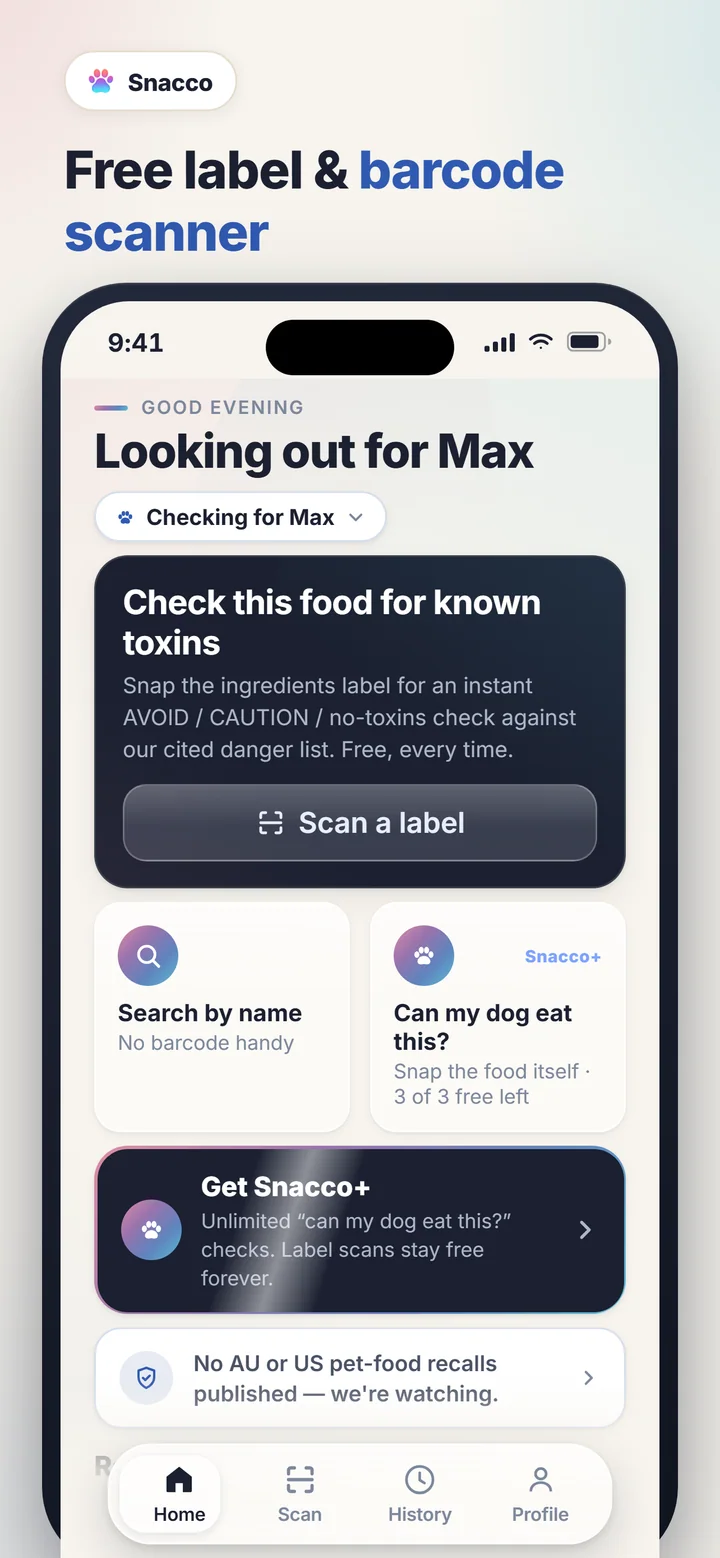
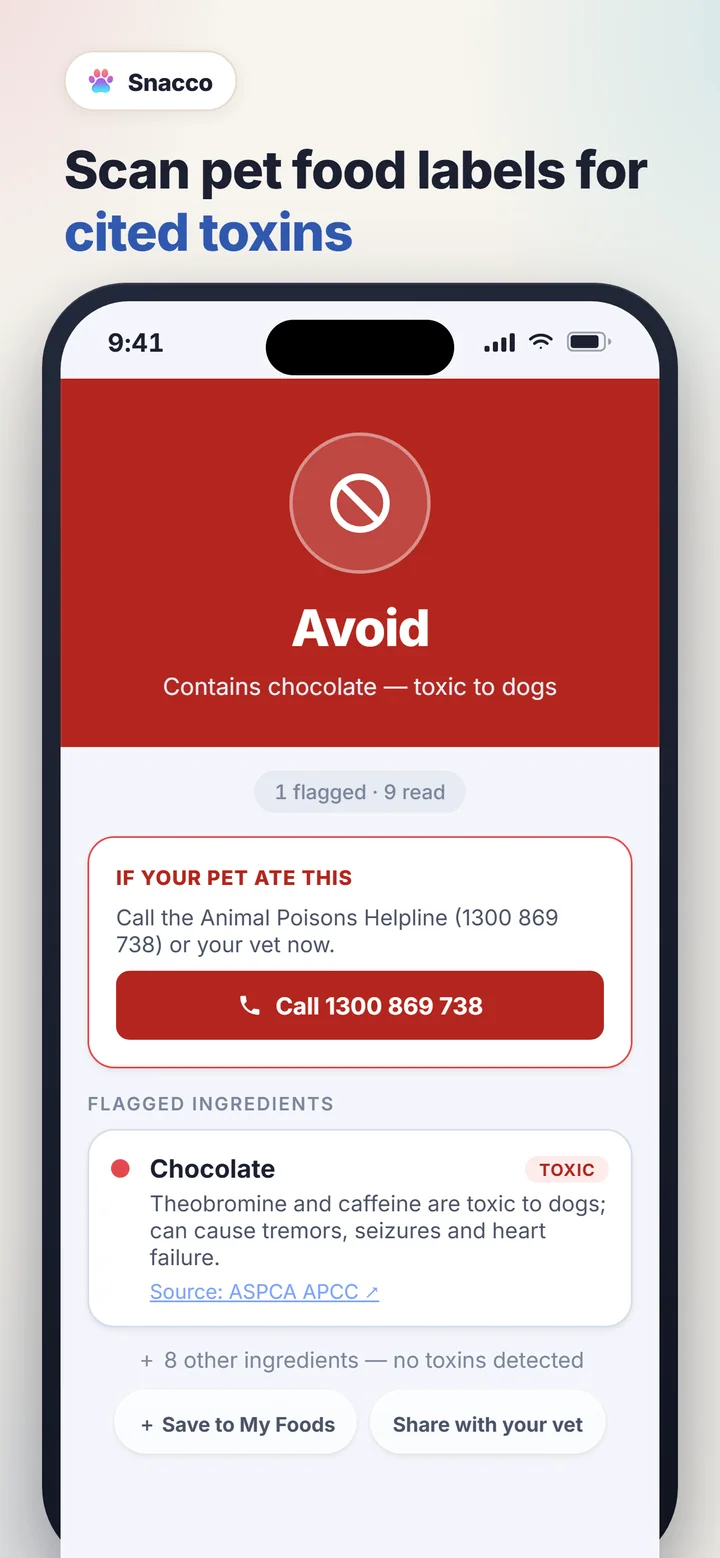
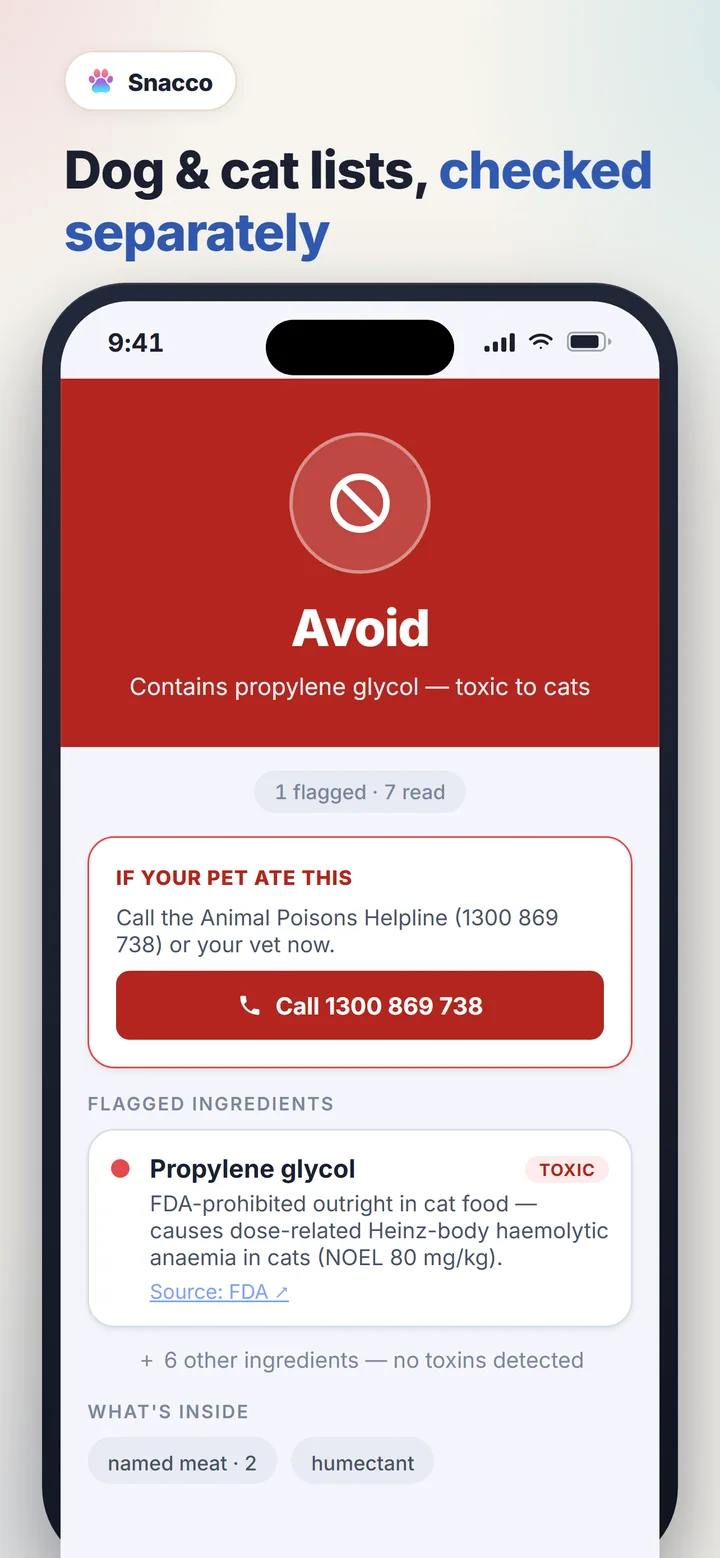
Pick the input that matches what is in front of you. A model may name the food. Fixed rules still judge it.
The iPhone reads an English ingredient label on-device. Recognised ingredient text is checked against the Snacco toxin database and is not stored. A translated screen does not add support for labels in other languages.
The barcode is matched through Open Pet Food Facts, then the returned ingredients are checked for the selected pet. Coverage varies, and a missing product is not a clear result.
An optional Snacco+ photo check sends a reduced, metadata-stripped image through our backend to Google Gemini to identify the food. Fixed rules produce the toxin verdict. A photo cannot reveal hidden ingredients or replace a label.
Snacco never labels a food as safe. A result describes only what the app could identify and match.
Snacco requires no account registration or contact details, has no ads or advertising tracking, and does not request GPS or precise location. Sentry receives crash, error and session-health diagnostics with settings that minimise personal information. Snacco+ payments are processed by Apple; RevenueCat manages subscriptions and subscription analytics using app identifiers.
Read exactly what leaves the deviceFor troubleshooting, subscriptions and recall alerts, use the full Snacco support guide.
Snacco can read an English ingredients label, look up a pet-food barcode through Open Pet Food Facts, or identify a photographed food through the optional Snacco+ photo check. Google Gemini names the photo. Fixed rules check it against dog- or cat-specific toxin rules. Recall notices cover Australia and the United States only.
No. It means nothing Snacco could read matched a known toxin in its database. Labels and databases can be incomplete, so Snacco deliberately avoids calling a food safe.
No. Snacco is an informational check, not veterinary advice or a medical device. For suspected poisoning, contact a veterinarian or the Animal Poisons Helpline immediately.
Pet profiles, scan history, favourites, recall matching and preferences are stored on your device. Snacco requires no account registration and has no ads or advertising tracking. Sentry receives crash, error and session-health diagnostics. RevenueCat manages Snacco+ subscriptions and subscription analytics using app identifiers.
Label scans, barcode scans, product search and recall alerts remain free. The optional photo check is part of Snacco+. An eligible customer may get a seven-day free trial of the annual subscription. The monthly subscription has no trial. Prices vary by App Store country or region. The purchase screen shows the local currency and renewal price before you confirm. You can cancel in your App Store subscriptions, and you can restore a purchase from the paywall.